

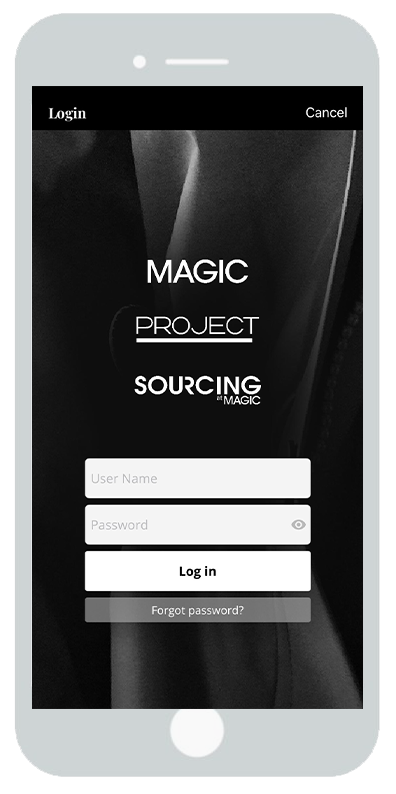
Download the event mobile app and log in using your personal account credentials.
Step 1: Badge Scanning
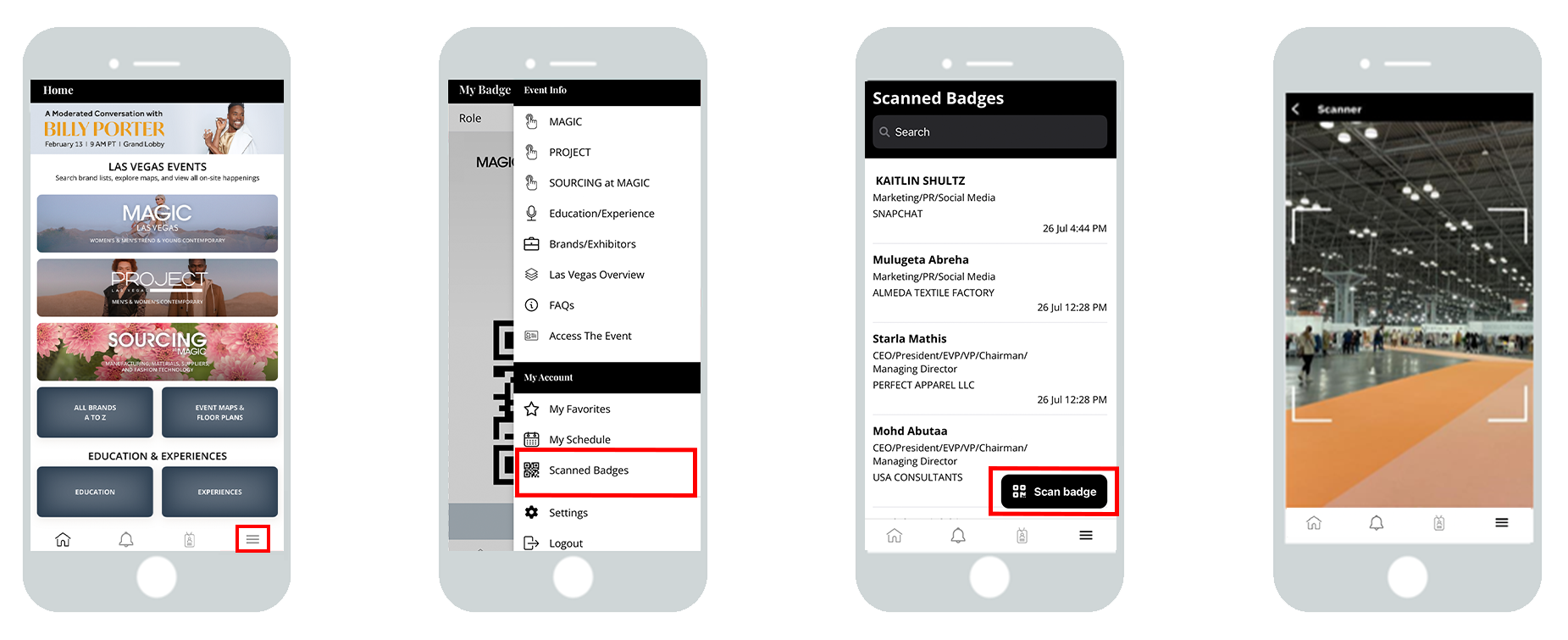
Access Lead Retrieval by clicking into the hamburger menu at the bottom right hand side of your screen
Select ‘Scanned Badges’
from the list
Click the scan icon at the
bottom right hand side of
your screen
This will open your camera
so that you can scan the badge,
this will happen automatically
Step 2: Add your notes
Step 3: Sharing & Exporting Leads
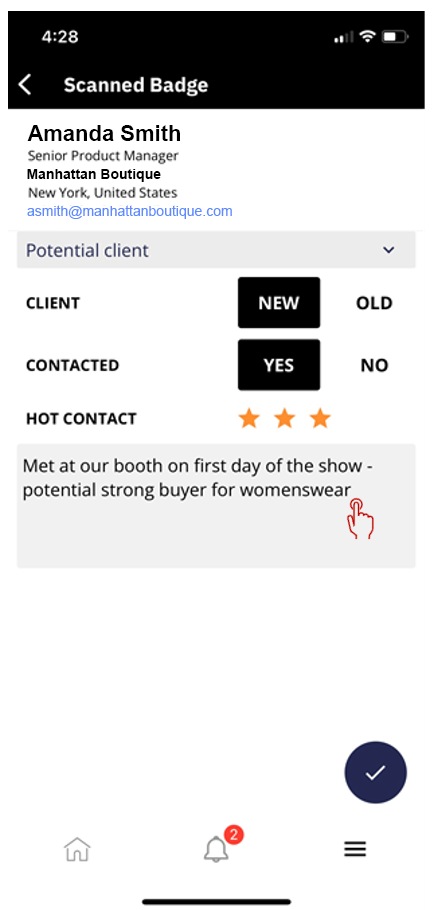
On this screen you can add:
- What type of lead they are (Potential Partner, Potential Client, Supplier, Other)
- What type of client they are (New/Old)
- If they’ve been contacted (Yes/No)
- Lead Rating (1-3 stars)
- Which Products they are interested in
Below the products section, there is also a box to type in any additional notes about the lead.
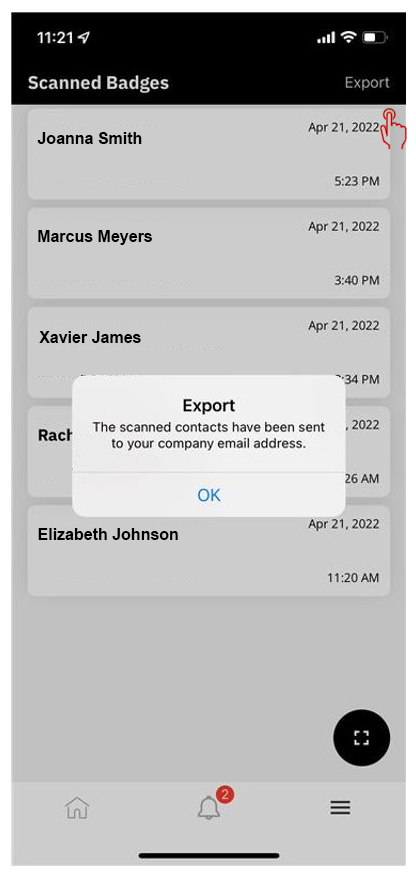
Exhibitors can view the badges that they’ve scanned by navigating to Badge Scanning in the app.
On this screen, there is also an Export link in the upper right that can be used to export the leads.
This will trigger an email to the user with an attached spreadsheet of leads which includes:
Name, Email, Company, Position, Address, Phone, Star Rating, Notes added, Products the lead was interested in, Type of client (new/old), and Time of scan
If you’re still having issues, please email exhibitorsupport@fashionresource.com and a team member will assist you.